Getting started
Can I log a workout from a photo, screenshot or WOD whiteboard?
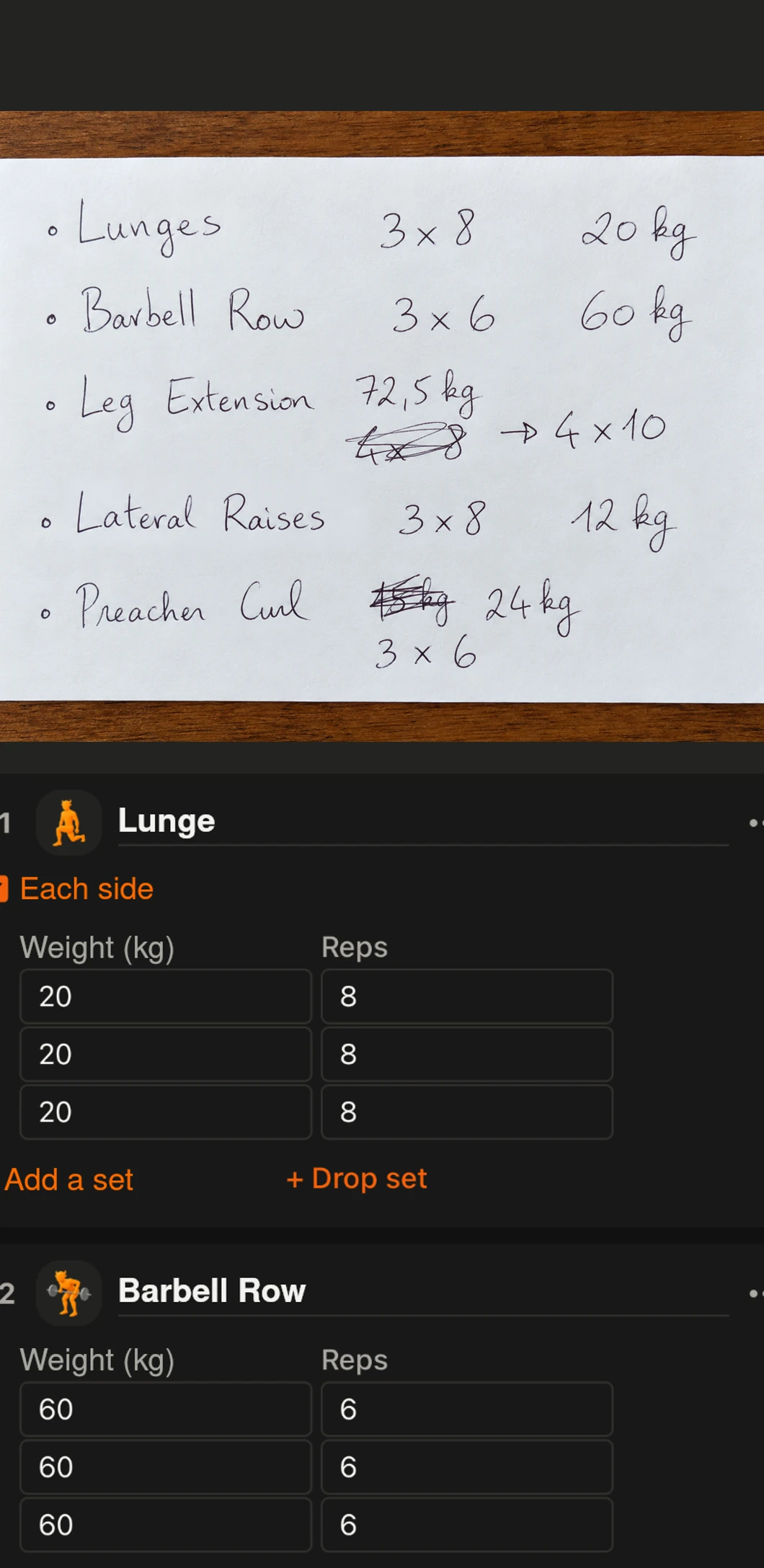
With Premium, add a readable image in Photo mode. Grunty extracts workout information and shows a session for review. Check that numbers, units, movement names and results match what you did. Without Premium, tapping Photo opens the subscription screen.
Screenshots
App interface screenshots and illustrated Grunty store visuals. Tap an image to enlarge it.
Practical tip
Take a straight, sharp picture without cutting off text. Handwritten or ambiguous notes deserve extra checking.
Important / limitations
A photo of a planned session does not prove you completed all its sets or rounds. Correct the results before saving.
Content reviewed against source code on .