
Getting started
How do I log a workout completed on another date?
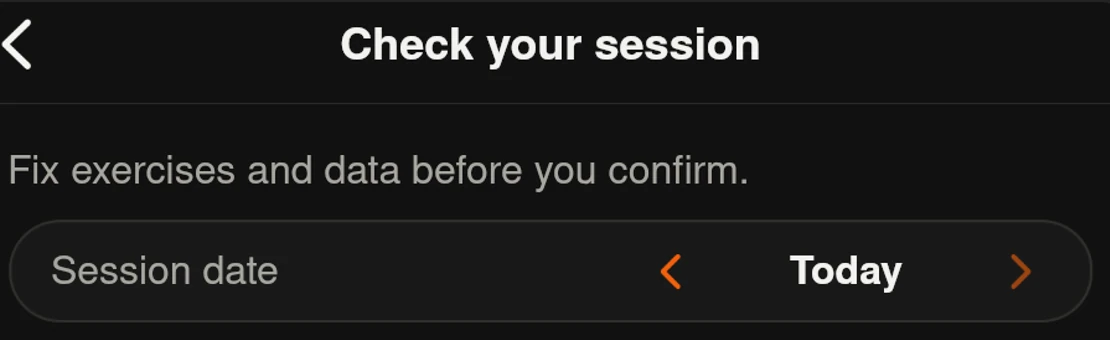
Before saving, open Review workout and set the workout date. Make sure the exercises and results correspond to that date. You can also log a past session using manual entry.
Screenshots
App interface screenshots and illustrated Grunty store visuals. Tap an image to enlarge it.
Practical tip
Avoid labeling yesterday's session as today's: timelines and summaries use the saved dates.
Important / limitations
The date picker goes back up to 365 days and does not allow future dates. For older history, use Hevy/Strong import. A new workout using AI input counts when saved, even if backdated; new entirely manual workouts are exempt.
Content reviewed against source code on .