
History, analysis and account
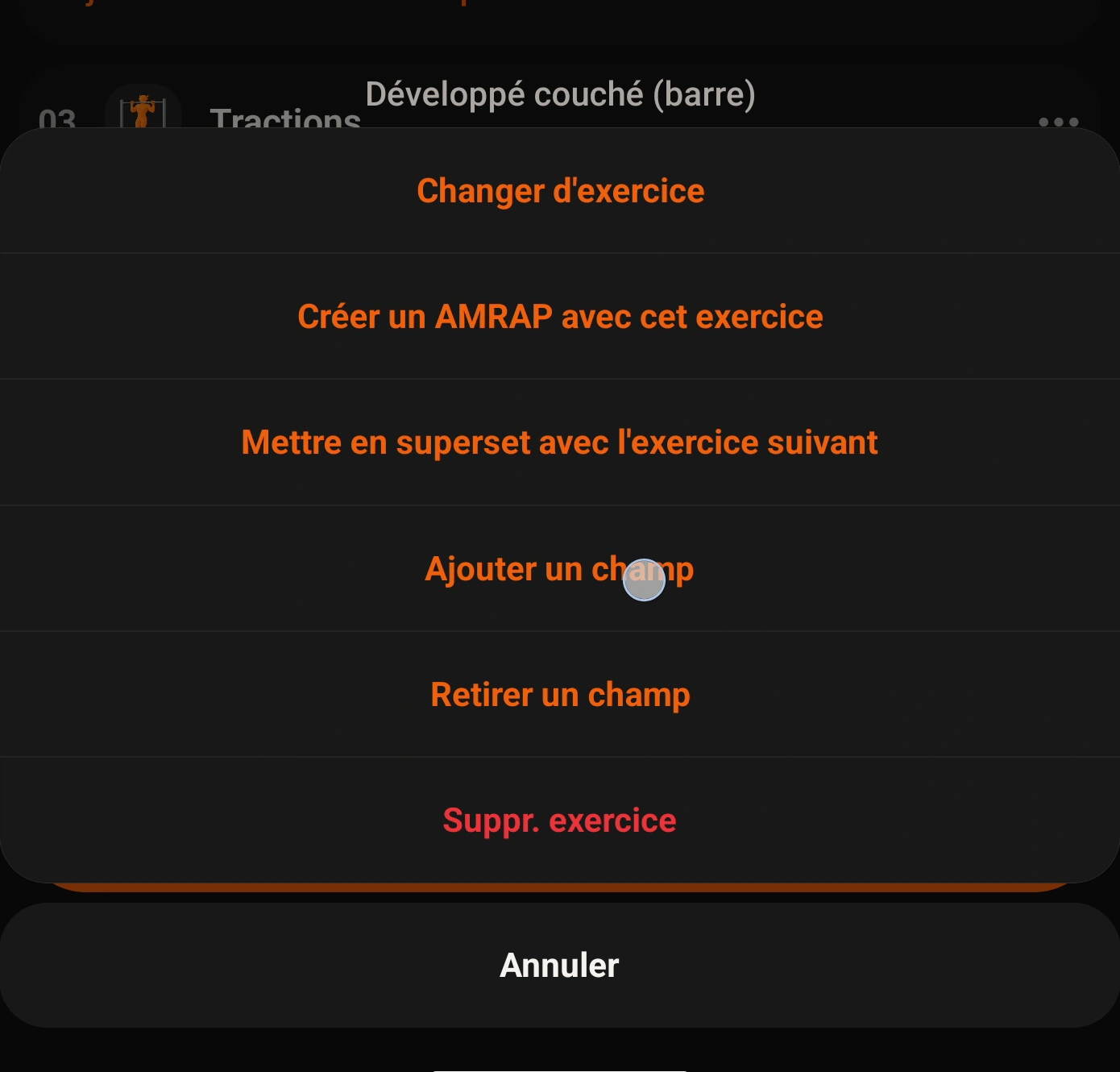
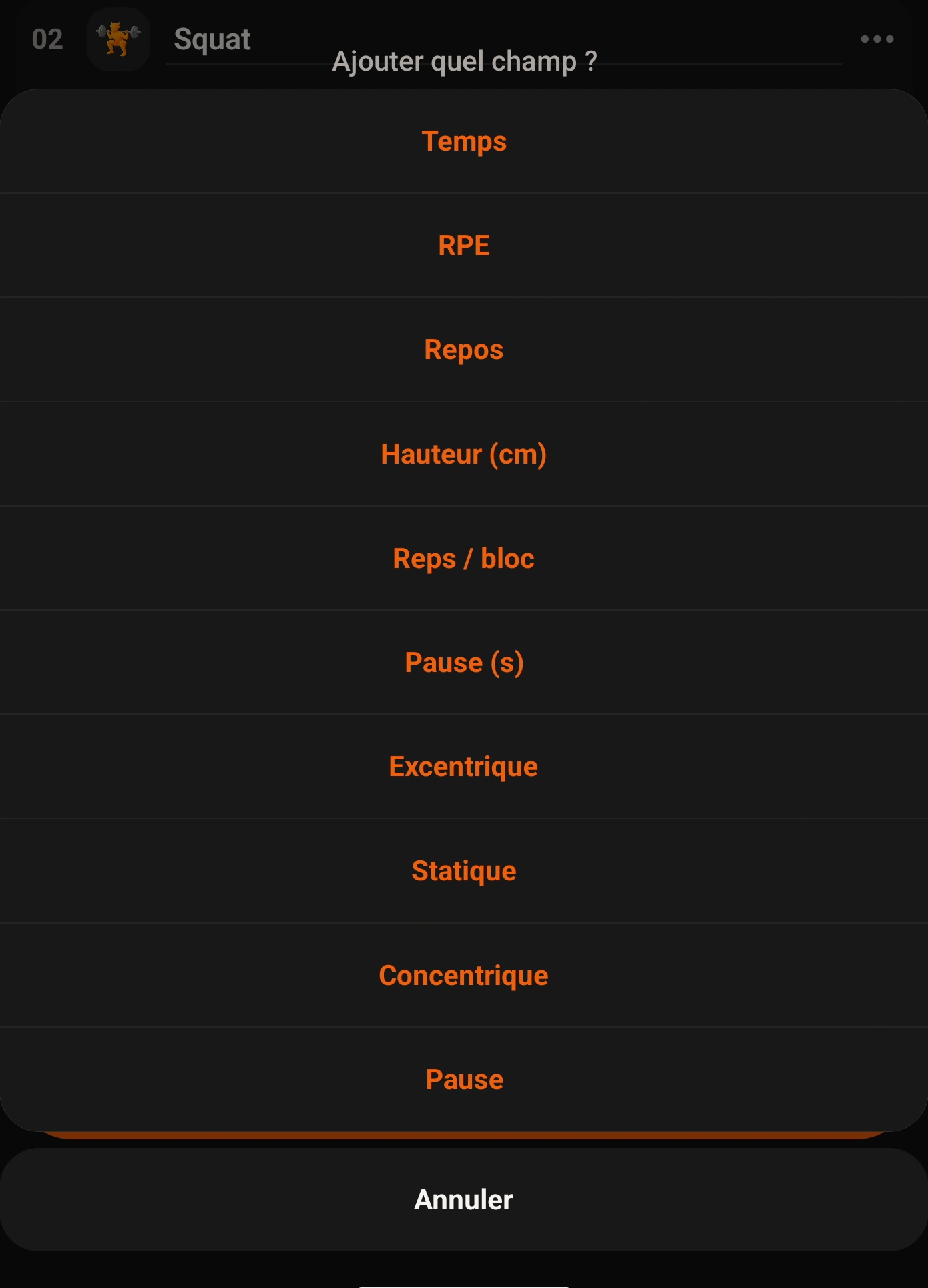
How do I add a missing distance, time, tempo or other field?
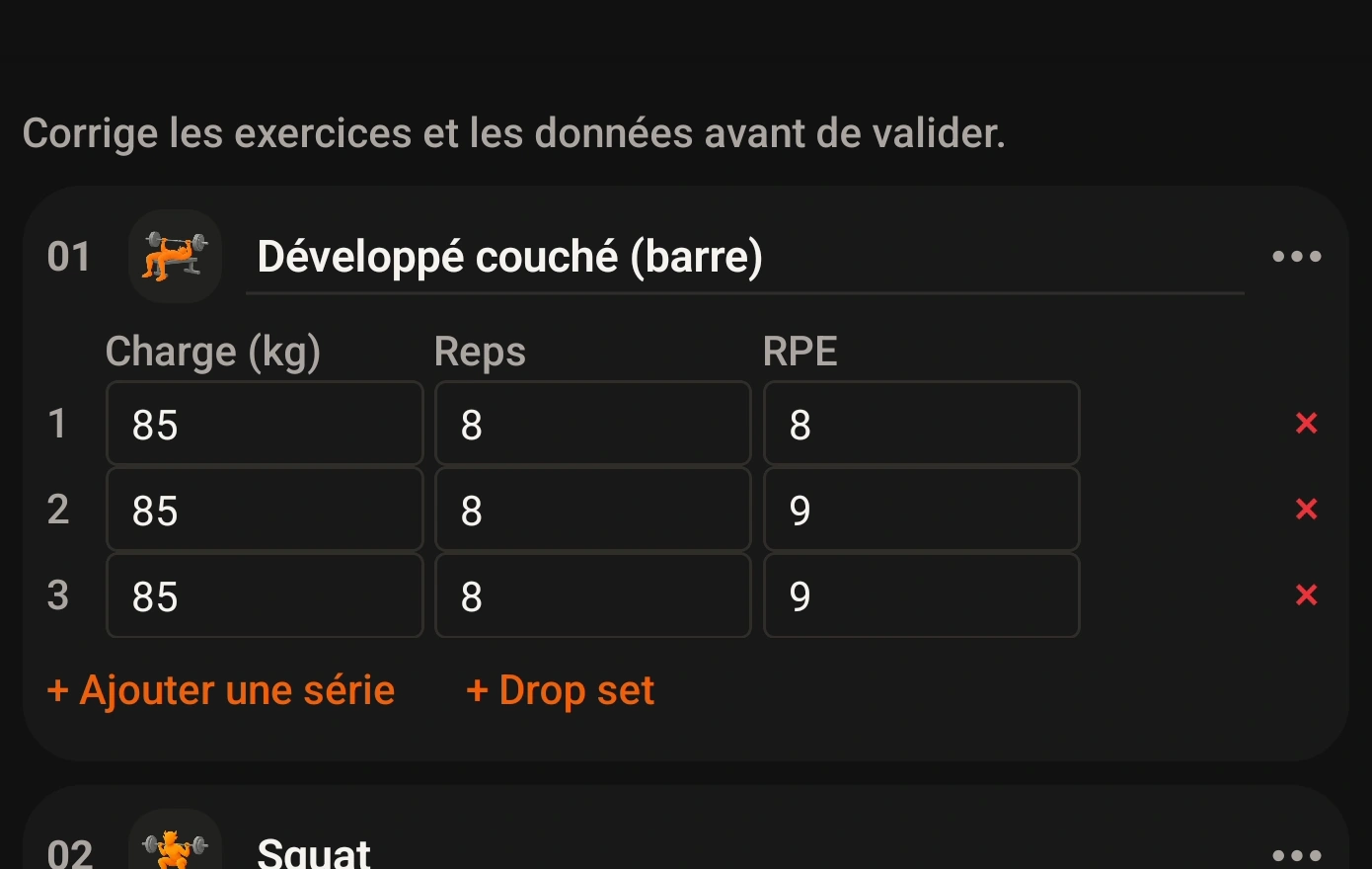
In workout review or history editing, use the exercise menu to Add field. Grunty offers metrics appropriate to the movement, such as time for cardio or tempo for strength work.
Screenshots
App interface screenshots and illustrated Grunty store visuals. Tap an image to enlarge it.Some older screenshots display French labels.
Important / limitations
Being able to add a field does not mean Grunty knows its value. Enter measured data or clearly acknowledged personal estimates only.
Content reviewed against source code on .